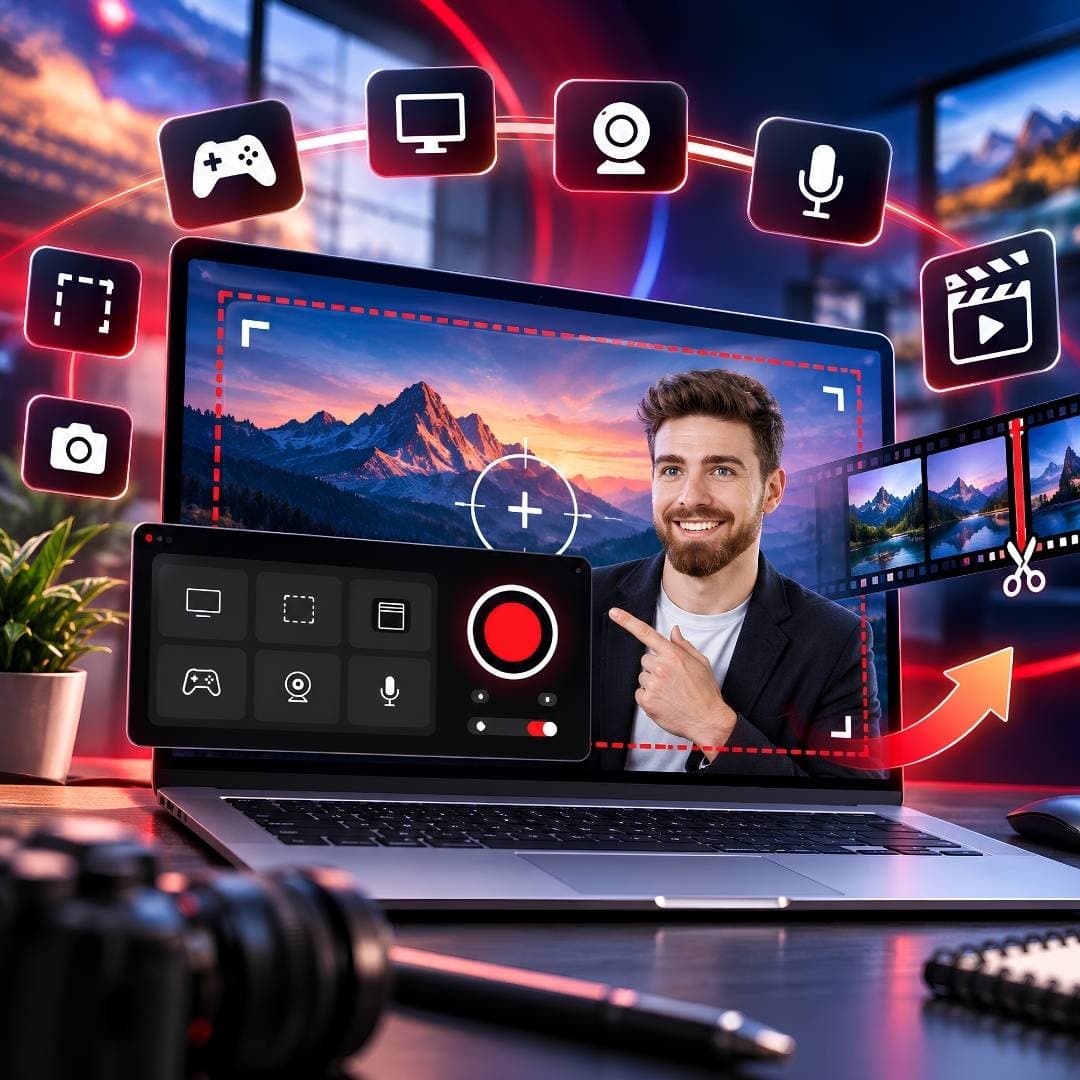

Recording your screen should not require a complicated video-production setup. Whether you are preparing a tutorial, documenting a software problem, recording an online lesson or capturing gameplay, the most useful screen recorder is usually the one that lets you start quickly and gives you enough control over the final video.
iTop Screen Recorder has positioned itself around exactly that use case. Its Windows application combines screen, webcam and audio recording with screenshots, editing and a growing collection of AI-assisted tools. The Free version is enough for basic recording, while PRO adds features such as unlimited recording time, no default watermark and higher-resolution recording. This guide looks at the software from a practical perspective and explains how to install it and use an authorised PRO activation route.